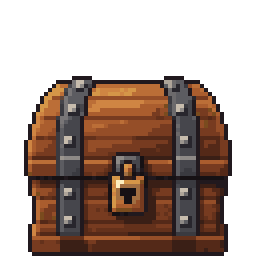
How to Make Pixel Art Game Assets with AI (Without Drawing a Single Pixel)
Make true pixel art sprites, props and objects for your 2D game with AI, all in one consistent style. A step-by-step guide from game idea to a chest in your project.
 PixelVibing
Step-by-step guides to making your game's pixel art with PixelVibing: style guides, objects, terrain, animations and interface art, from your coding assistant or the Editor.
Make true pixel art sprites, props and objects for your 2D game with AI, all in one consistent style. A step-by-step guide from game idea to a chest in your project.
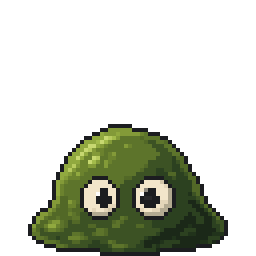
Turn one sentence into a pixel art character or monster sprite for your game, then give it walk cycles, idles and eight facings. A beginner-friendly AI sprite tutorial.
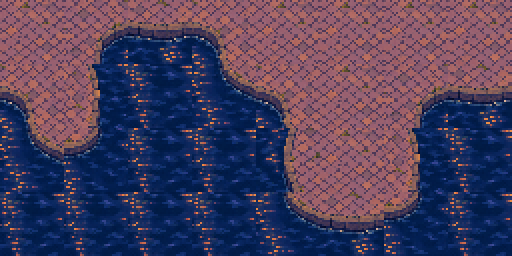
Generate a 16-tile pixel art terrain set that joins in any layout, like grass and sand or water and stone, then paint your map with it. AI autotiling, step by step.
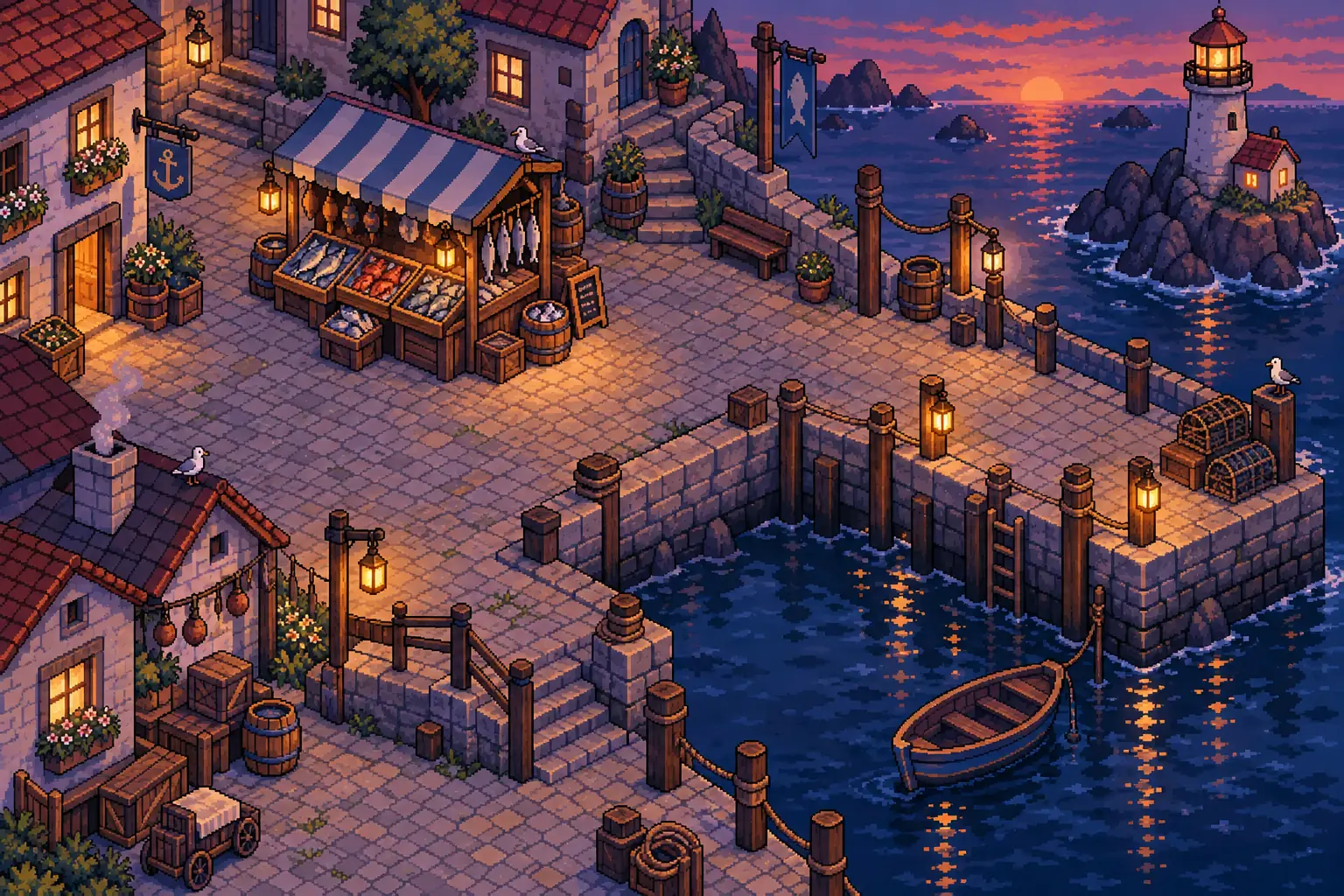
Connect Claude Code or Codex to PixelVibing in one command, then watch your assistant write the game and generate every sprite, tile and level in one style, without stopping to ask.
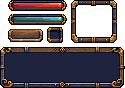
Generate a matching pixel art HUD (health and mana bars, buttons, slots, frames) and a full set of item or skill icons with AI, then sketch custom menus. Nine-slice ready.
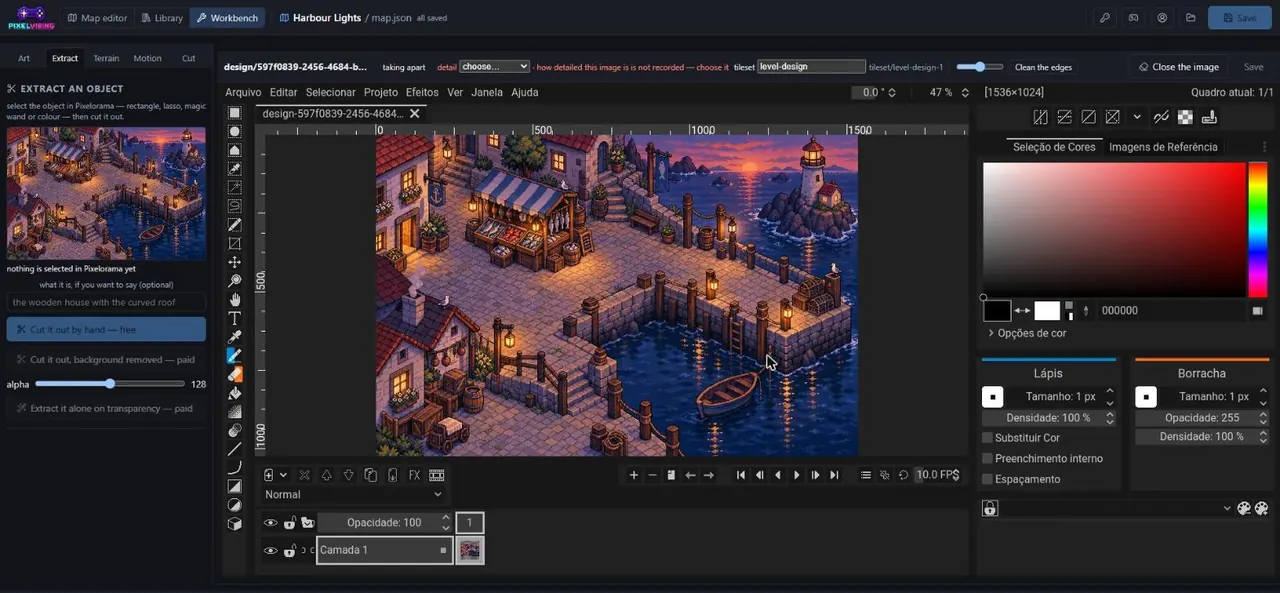
A tour of the PixelVibing Editor. Turn a screenshot or sketch into game assets, fix AI pixel art pixel by pixel, edit it with words, and paint a level on a real tile grid.